How to Build AI Workflows Without Coding on CreateWorker
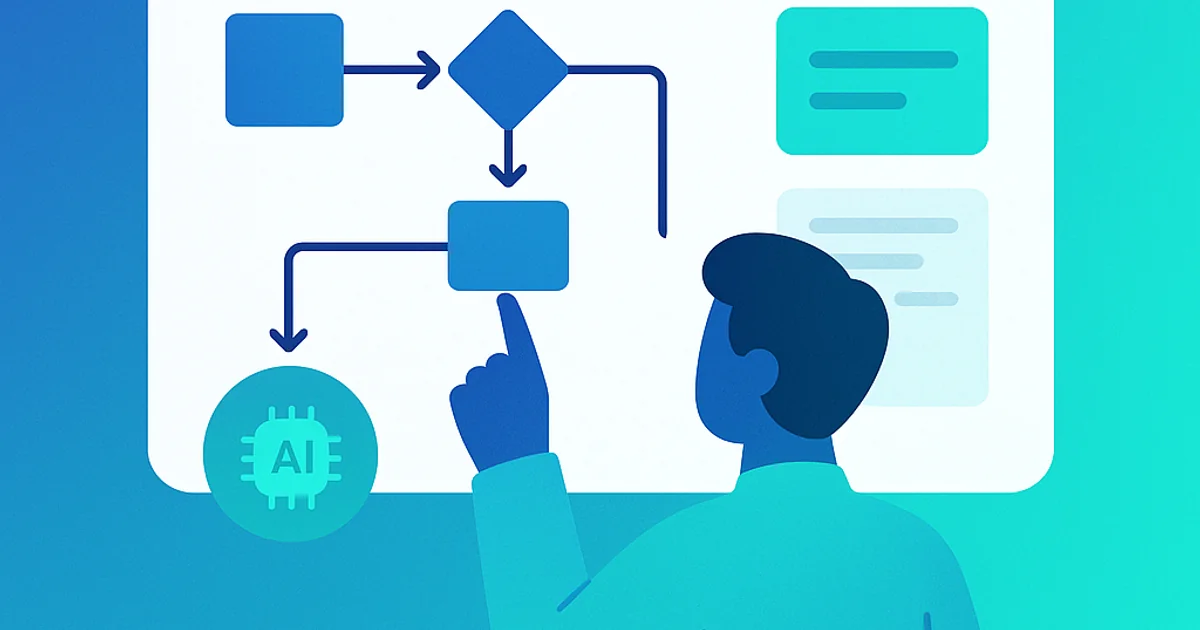
In today's fast-paced digital landscape, leveraging AI can significantly enhance productivity and efficiency. However, not everyone has the technical skills to code complex AI workflows. Fortunately, CreateWorker offers a no-code platform that empowers users to build AI workflows effortlessly. In this blog post, we will explore how you can harness the power of AI without writing a single line of code.
What is CreateWorker?
CreateWorker is an innovative AI worker management platform designed to simplify the integration of AI into your business processes. With its user-friendly interface, CreateWorker allows users to automate tasks, manage workflows, and optimize operations without the need for coding expertise.
Why Use No-Code AI Workflows?
No-code platforms are revolutionizing the way businesses operate. Here are some compelling reasons to consider using no-code AI workflows:
- Accessibility: No-code tools make AI accessible to everyone, regardless of technical background.
- Speed: Quickly build and deploy workflows without the delays associated with traditional coding.
- Cost-Effective: Reduce the need for hiring specialized developers, saving both time and money.
- Flexibility: Easily modify workflows as your business needs change, without extensive reprogramming.
Getting Started with CreateWorker
Step 1: Sign Up for CreateWorker
To begin, visit the CreateWorker website and sign up for an account. The registration process is straightforward and will have you up and running in no time.
Step 2: Explore the Dashboard
Once logged in, familiarize yourself with the dashboard. The intuitive layout provides easy access to various features, including workflow creation, task management, and analytics.
Step 3: Use the Worker Architect or Start from Scratch
CreateWorker offers the Worker Architect which makes suggestions on which workers to add. You can either select a suggested worker that suits your needs, vibecode a worker with prompts or start building your workflow from scratch.
Step 4: Integrate AI Tools
Integrate AI tools and services into your workflow without any coding. CreateWorker supports various AI functionalities, such as natural language processing, image recognition, and predictive analytics. Simply select the AI tool you wish to use and configure it within your workflow.
Step 5: Launch and Monitor
Once you’re satisfied with your AI worker, launch it! Monitor its performance through the "Performance" dashboard, which provides insights into efficiency and areas for improvement.
Tips for Success
- Start Small: Begin with simple AI workers to build your confidence.
- Utilize Resources: Take advantage of CreateWorker’s tutorials and support resources.
- Iterate: Continuously refine your workers based on feedback and performance metrics.
Conclusion
Building AI workflows without coding is not only possible but also incredibly efficient with CreateWorker. By following the steps outlined in this guide, you can harness the power of AI to streamline your business operations. Embrace the no-code revolution and start building your AI workflows today!
For more information and to get started, visit CreateWorker.